Login
To access the ebankIT nXP Knowledge Hub, you must create an account. Follow the steps below:
Go to the homepage of the knowledge Hub Select what you want to explore: nXP, Studio X or Marketplace.
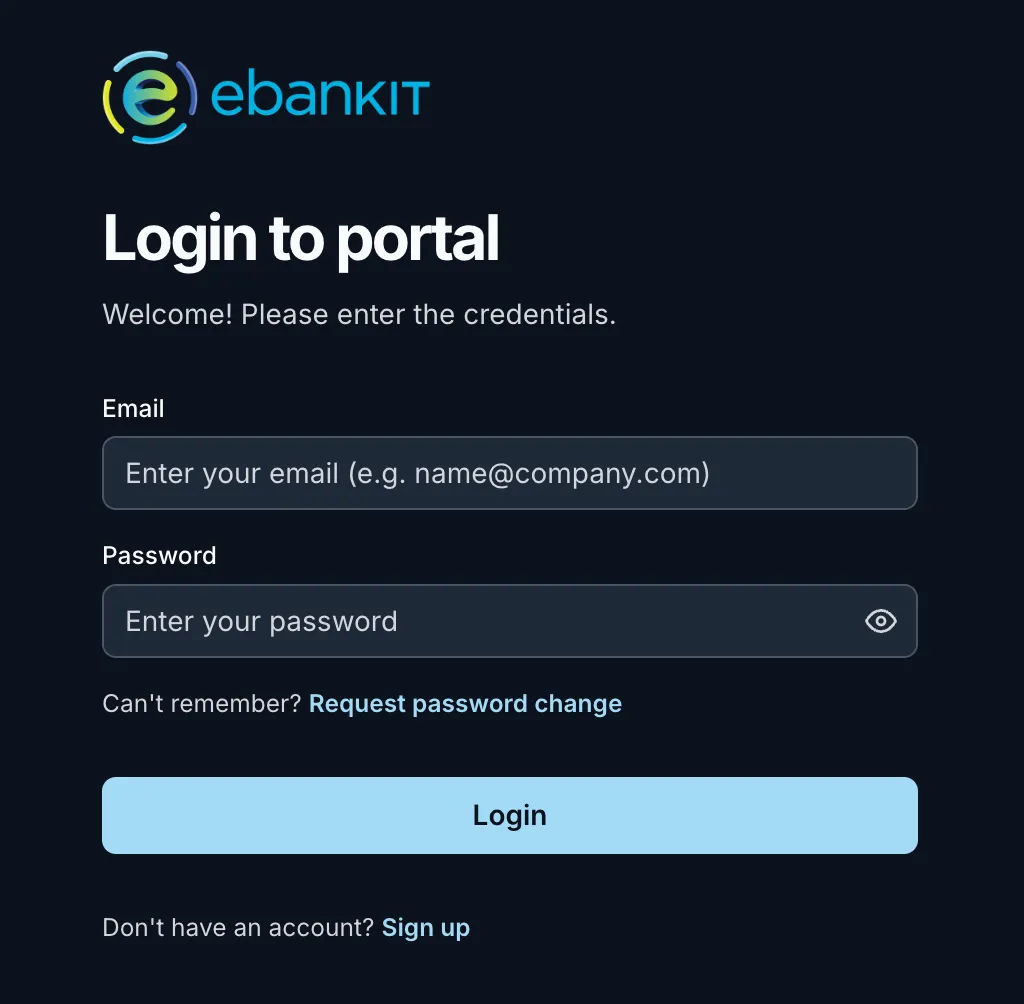
Select the "Sign up" option You can find it right below the Login button.
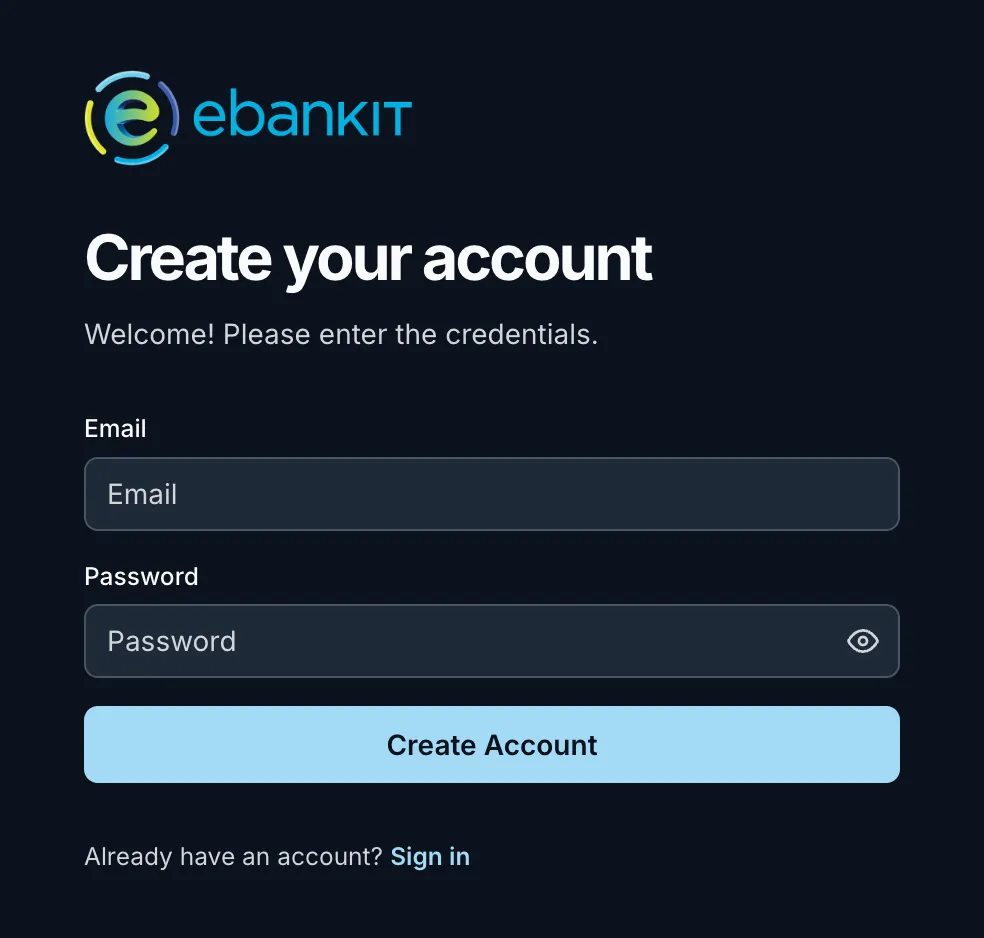
On the Create your account page, fill in:
- Email: enter your email address
- Password: create a secure password of your choice
- Click Create Account Once your details are filled in, click on the Create Account button.
Check your mail You will receive an email from Archbee. Open it and click the verification link to confirm your email address.
Log In to the Documentation Site Check your email, open the verification link to confirm your email address. By creating your account you are accepting our Terms of use and Cookies policy.
Return to the site and log in using the credentials you created.
To access the Knowledge Hub, your organisation needs to be registered as an ebankIT client/partner. If you still don't have access, please contact us at [email protected].
Periodic login
For security reasons, you may occasionally be prompted to log in while navigating different areas of the site.